Get early access to Sahay
Sahay is in closed beta on Google Play. Follow these 5 steps to install and start using the app, takes about 5 minutes.
Open the early-access group
Tap the button below. It opens Google Groups in a new tab. Sign in with the Gmail you'll use on your phone.
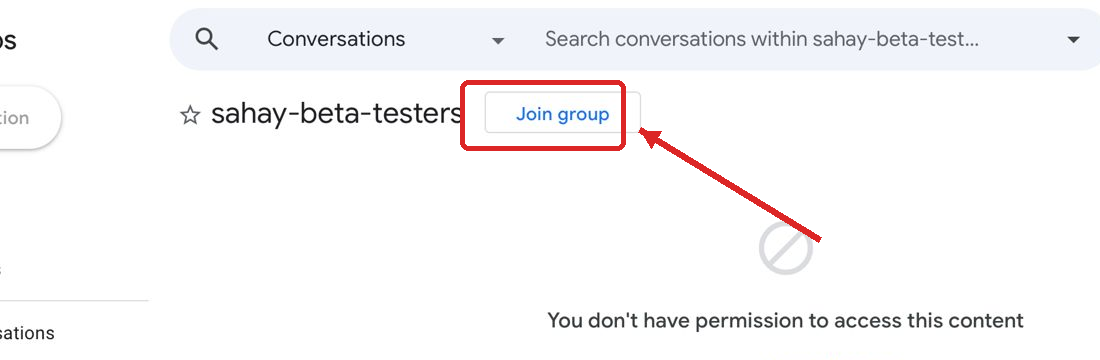
Click “Join group” in the popup
A small popup appears. Don't change any settings, just click the blue “Join group” button at the bottom.
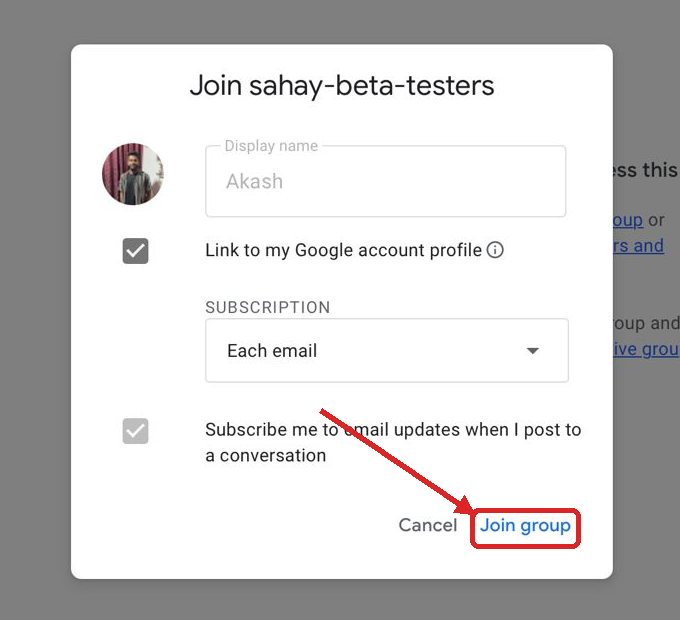
✅ The default settings (Display name, Each email, Subscribe) are fine.
Become a tester on Play Store
After joining the group, open the testing link below on your Android phone. If it shows “Become a tester”, tap it to confirm. Make sure Play Store is signed in with the same Gmail you used in step 1.
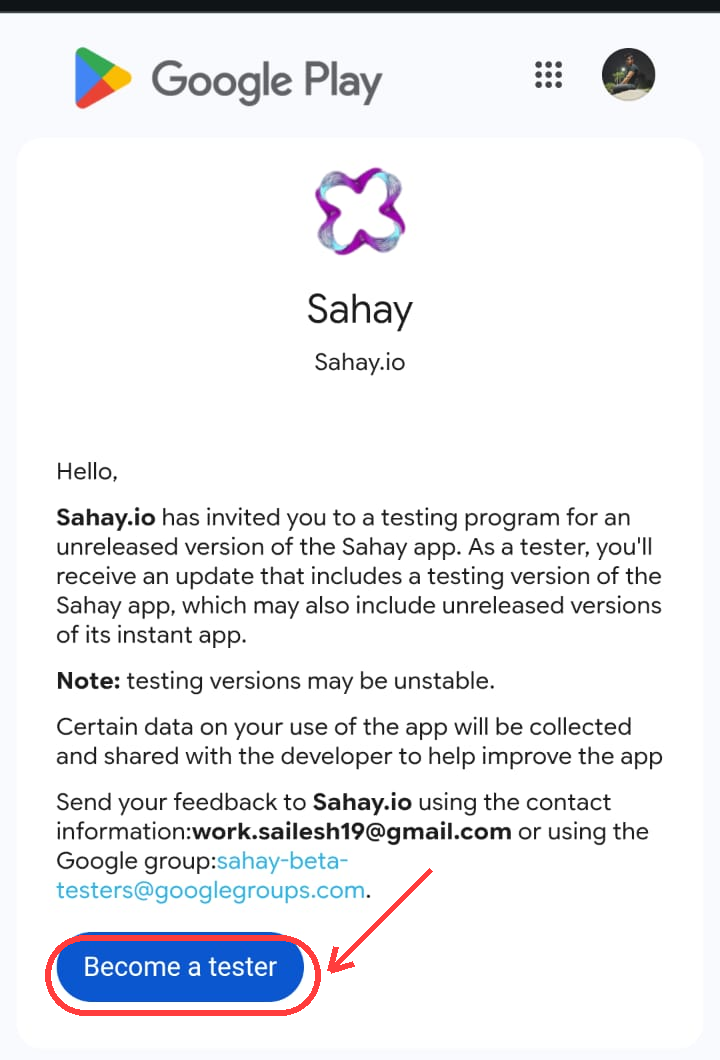
Already a tester? You'll see “You are a tester” instead, no action needed.
Install Sahay on your Android phone
Once you've joined, wait about 5 minutes (Play Store needs time to authorize you). Then install Sahay below.
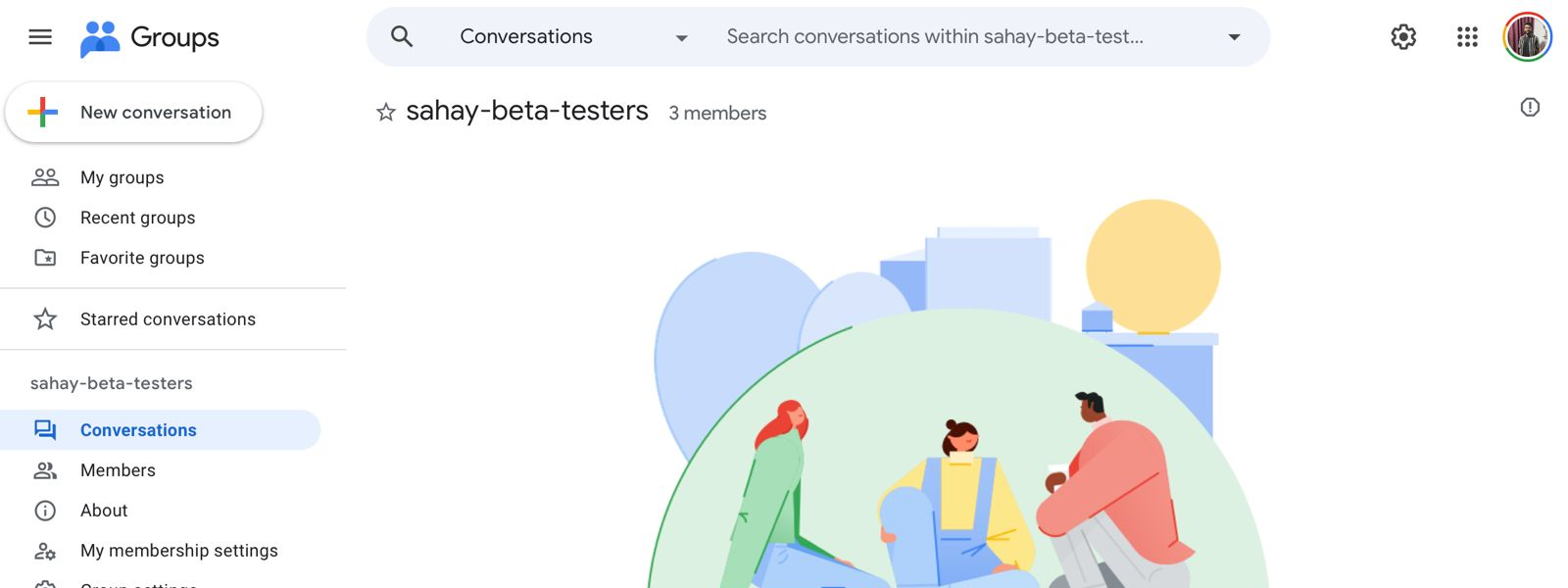
Wait ~5 minutes after joining before installing, otherwise Play Store may say "Item not found".
Scan with your phone camera
Opens the Sahay listing on your phone's Play Store.
Or copy this link and paste it into WhatsApp / SMS to send to yourself.
Sign in with the SAME Gmail
Open the Sahay app → tap “Sign in with Google” → pick the Gmail you joined the group with.
Stuck on any step?
WhatsApp the Sahay team